

 English
 Bangla
 Arabic
Kidstera Child Therapist & Psychologist Elementor Template Kit
Kidstera Child Therapist & Psychologist Elementor Template Kit for quickly and easily creating websites for your business using the Elementor Page Builder plugin for WordPress. . Template Kits contain page content for Elementor page builder. This kit has been optimized for use with the free Hello Elementor theme but may be used with most themes that support Elementor.
Kidstera Child Therapist & Psychologist Elementor Template Kit
- Home
- About Us
- Team
- Services
- Single Services
- Pricing
- FAQs
- Blog
- 404
- Contact Us
Plugin Dependencies
- Elementor
- ElementsKit Lite
- Jeg Elementor Kit
- Metform & Footer Builder
Font Used
- Signika Negative
- Roboto
How to Use Kidstera Child Therapist & Psychologist Elementor Template Kit:
- Install and Activate the “Envato Elements” plugin from Plugins > Add New in WordPress. You do NOT need an Envato Elements subscription to use this plugin to install kits.
- Download your kit file and Do not unzip it! If you have Safari, ensure “open safe files after downloading” is not enabled in preferences.
- Go to Elements > Installed Kits and click the Upload Template Kit button. You may also import automatically by clicking Connect Account to link your Elements subscription, then import under Elements > Template Kits.
- Check for the orange banner at the top and click Install Requirements to load any plugins the kit uses
- Click import on the Global Kit Styles first
- Click Import on one template at a time. These are stored in Elementor under Templates > Saved Templates.
- Go to Pages and create a new page and click Edit with Elementor
- Click the gear icon at lower-left of the builder to view page settings and choose Elementor Full Width and hide page title
- Click the gray folder icon to access My Templates tab and then Import the page you’d like to customize.
If you have Elementor Pro, headers and footers may be customized under Theme Builder.
For further support, go to Elementor > Get Help in WordPress menu.
How to Import Metforms
- Import the metform block templates
- Import the page template where the form appears and right-click to enable the Navigator
- Locate and select the Metform widget and click Edit Form. Choose New, then Edit Form. The builder will appear
- Click ‘Add Template’ grey folder icon.
- Click ‘My Templates’ tab.
- Choose your imported metform template, then click ‘Insert’ (click No for page settings).
- Once the template is loaded, make any desired customizations and click ‘Update & Close’ The form will appear in the template
- Click Update
How to setup header in Jeg Elementor Kit plugin
- Go to Jeg Elementor Kit menu item > Header Template
- Click Add New Header
- Add condition > All Site and click Create
- Click gray folder icon to access My Templates tab
- Insert the header template.
- Customize and Save.
This Kidstera Child Therapist & Psychologist uses demo images from Envato Elements. You will need to license these images from Envato Elements to use them on your website, or you can substitute them with your own.
Related products
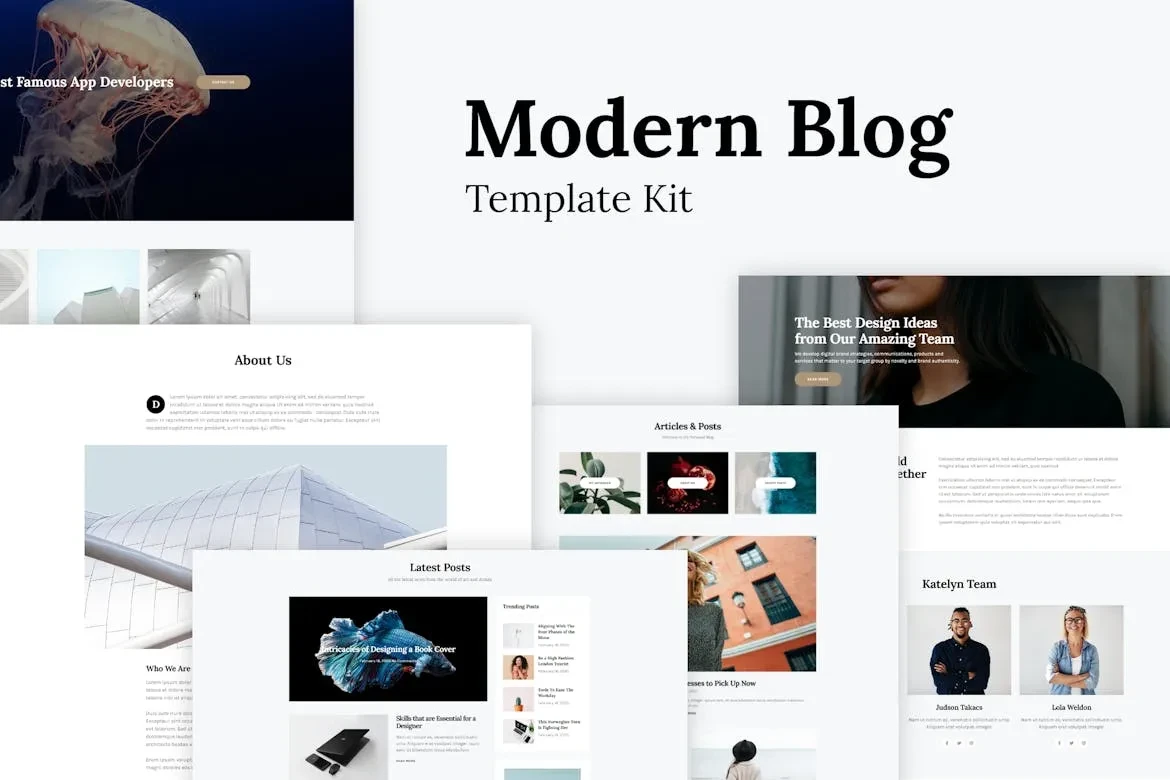
Katelyn – Modern Blog Template Kit

Bloggable – Modern Blog Elementor Template Kit
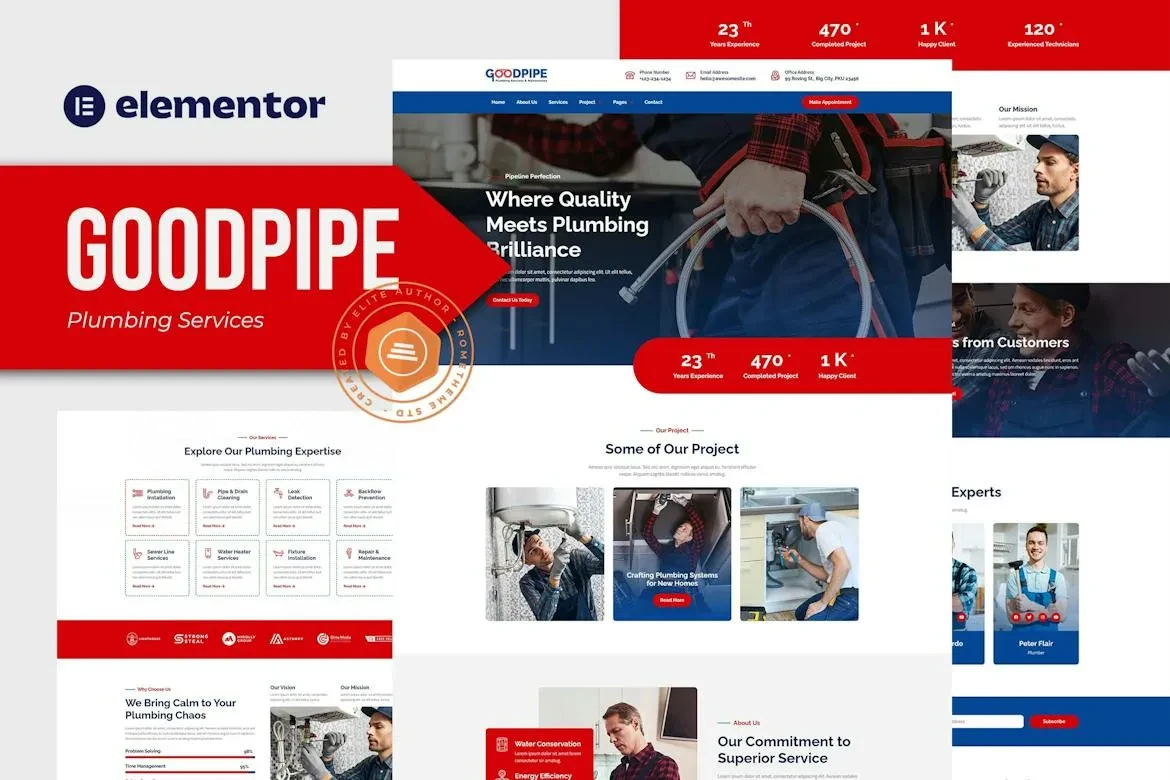
Goodpipe – Plumbing Services Elementor Template Kit

Habit – Modern Blog Elementor Template Kit
Grotax – Tax Advisor & Consulting Firm Elementor Template Kit

Kidstera Child Therapist & Psychologist Elementor Template Kit

Drivey – Car Driving Course Elementor Template Kit
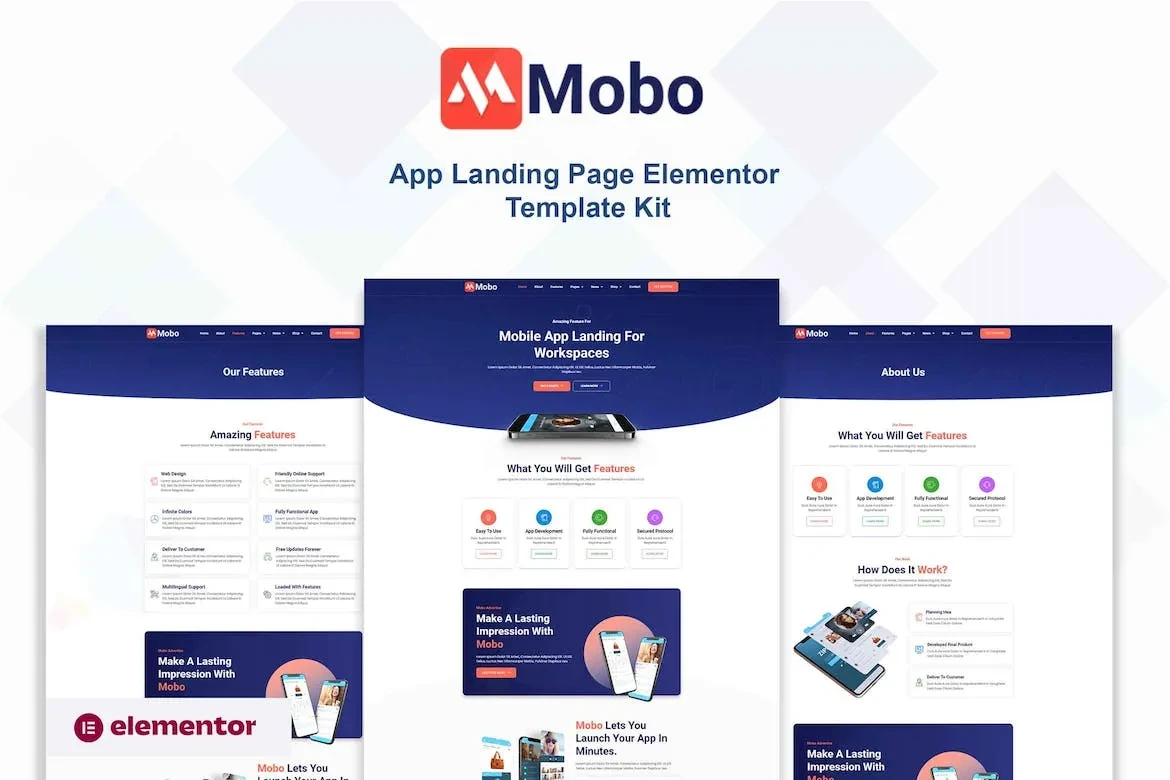
Mobo – App Landing Page Elementor Template Kit

Musicy – Music School Elementor Template Kit

Centro Digital Marketing Agency & Portfolio Elementor Template Kit

Roller – Creative Portfolio & Agency Elementor Template Kit

Toria – Interior Design Elementor Template Kit

Moovin – Moving Company Elementor Pro Template Kit

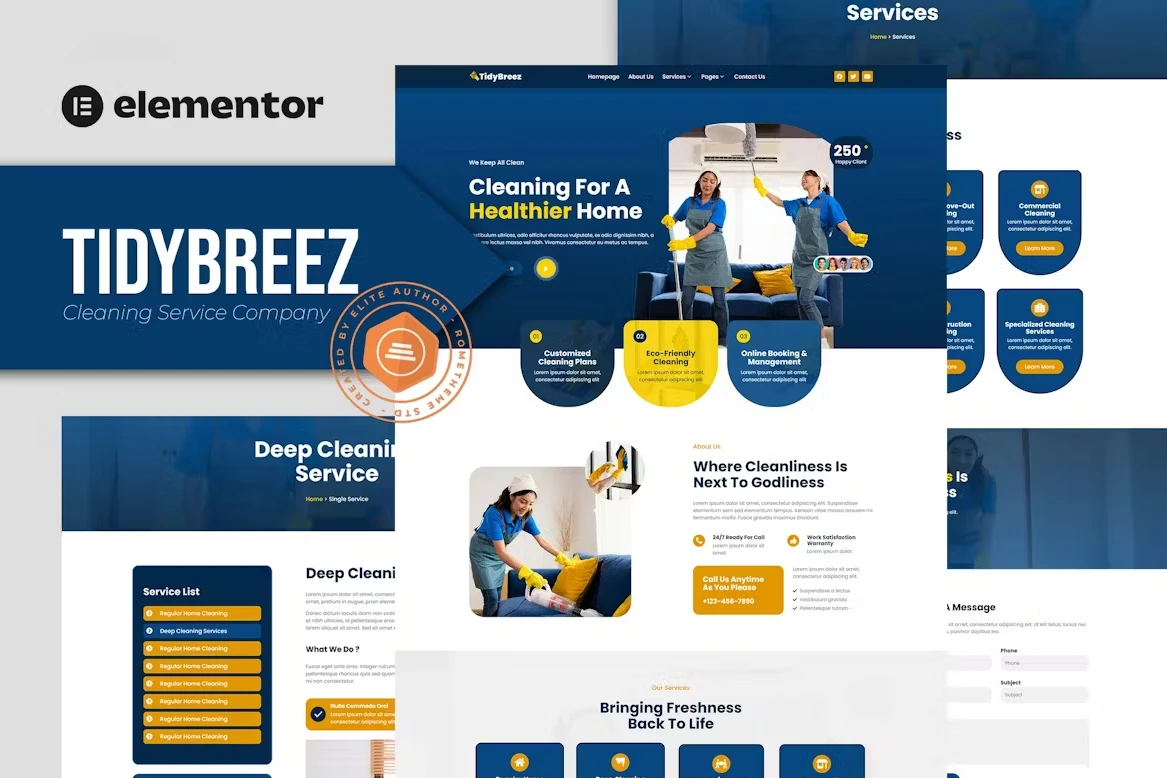
Tidybreez Cleaning Service Company Elementor Template Kit

Wishon Non Profit Charity Elementor Template Kit

BeClean – Cleaning Service Company Elementor Pro Template Kit
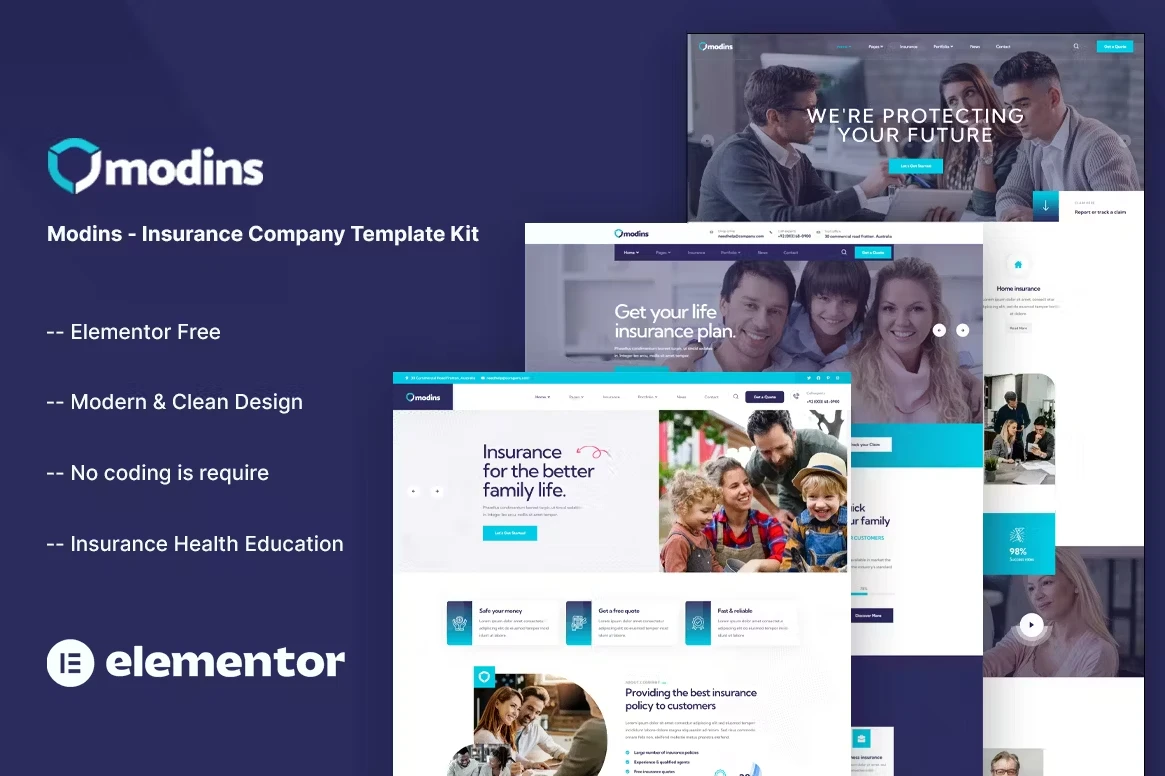
Modins – Insurance Company Elementor Template Kit

Ghuru – Online Course & Education Elementor Template Kit

EcoRaise – Environmental Charity & Nonprofit Elementor Template Kit
Frequently Bought Together
No frequently bought products found!
Products from this Seller
View All
Woofunnels WordPress Plugin

Yoast SEO Premium Plugin v23.0

PixelYourSite PRO Plugin v10.1.1

WP Rocket Premium Plugin v3.16.1.1

WordPress Automatic Plugin v3.104.0

Social Auto Poster premium WordPress Plugin v5.3.9
PowerPack Addons for Elementor Pro Plugin v2.10.17

GPT AI Power Pro Plugin v1.8.58: Complete AI Pack Pro

Buddypress WordPress Plugin v2.1.6


Machic Electronics Store WooCommerce Theme

WoodMart – Multipurpose WooCommerce Theme

luentCRM Pro Plugin v2.8.44

Mail Mint Pro Plugin v1.11.0

WHMCS v8.9.0

WP Reset PRO Plugin v6.2
WP File Download plugin v6.1.5

WP JobSearch Plugin v2.6.4

WP Media Folder Plugin v5.9.7




Share with Friends
Trading is more effective when you share products with friends!Share you link
Share to